CloudStream v4.5.2: What Changed & Should You Update? (2026)
Written by Zaryab, Founder & Editor, CloudStream Guide. Last updated: September 2026. Based on the official release notes on GitHub.
Short answer: CloudStream v4.5.2 is the April Update. Its official notes list MyDramaList support, subtitle grouping, episode sorting, MKV seeking and contributor bug fixes. It is an older release, so most people should install the latest stable version instead. Back up first, then update.
- v4.5.2 is not the current version. Newer releases such as v4.5.4 and later have followed.
- Only the changes in the official release notes are listed here, so you won’t find invented download counts or ratings.
- Updating over your current version normally keeps your data. Going back to an older version usually requires uninstalling.
- An outdated app can be the reason extensions stop returning links.
What is CloudStream v4.5.2?
CloudStream v4.5.2 is a stable release of the free, open-source Android and Android TV streaming app, published on GitHub under the name “April Update”. CloudStream itself hosts no content; what you watch depends on the extensions you install.
| Detail | v4.5.2 |
|---|---|
| Release name | April Update |
| Version tag | v4.5.2 |
| Type | Stable release |
| Status today | Older release, newer versions are available |
| Official source | CloudStream GitHub releases page |
What changed in CloudStream v4.5.2?
The official notes for v4.5.2 list five kinds of change: a new MyDramaList addition, subtitle grouping, more additions from contributors, episode sorting and MKV seeking, plus fixes from several contributors. Here is what each means in practice.
| Listed change | What it means for you |
|---|---|
| MyDramaList added | Adds MyDramaList, a database for dramas. The notes give no further detail, so check the app for where it appears. |
| Subtitle grouping | Subtitle tracks are grouped, which makes long subtitle lists easier to read. |
| Episode sorting | Lets you change how episodes are ordered in a series. |
| MKV seeking | Improves jumping forward and back in MKV video files. |
| Contributor fixes | Bug fixes from several community developers. |
What is not in the v4.5.2 release notes?
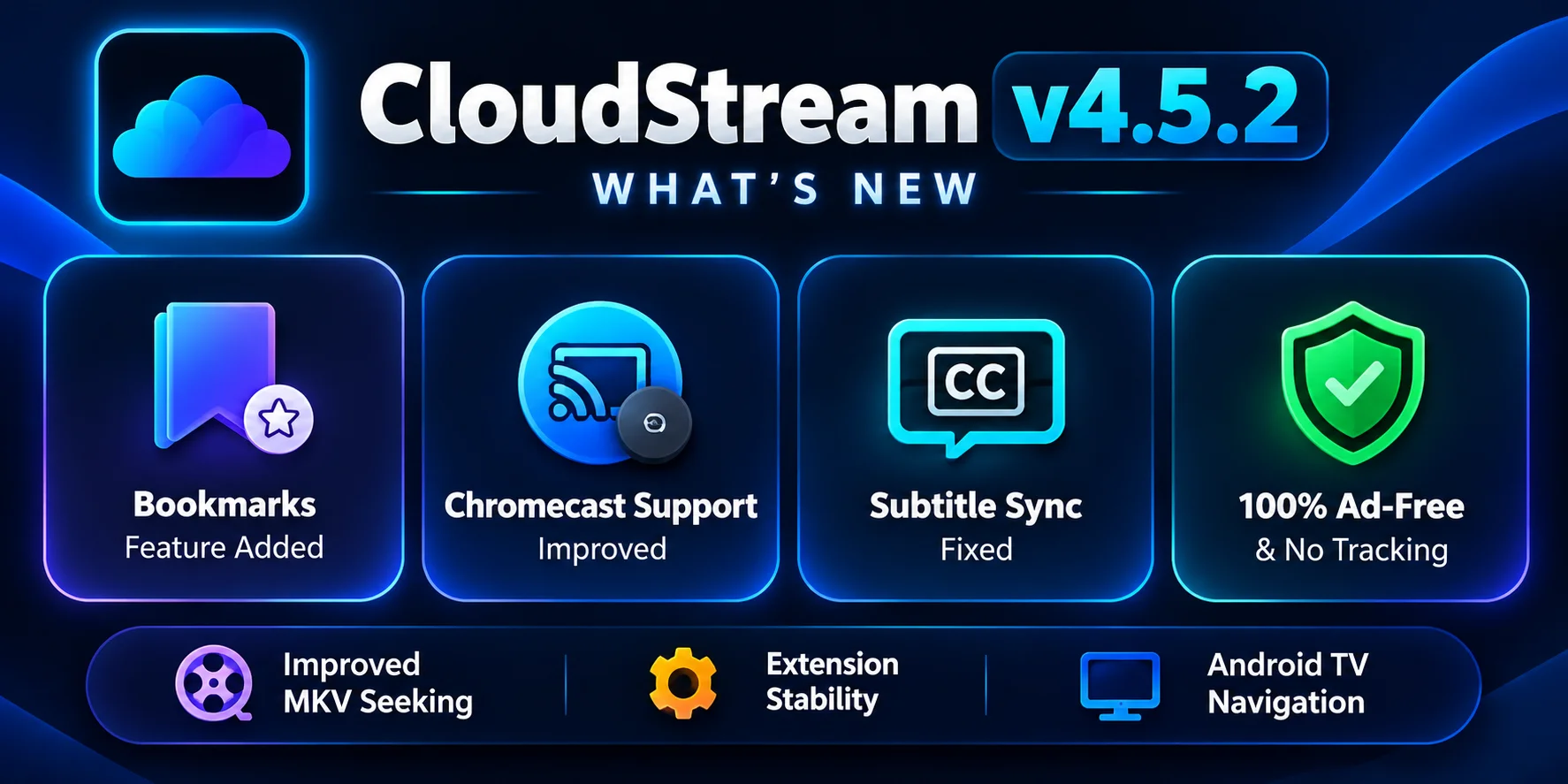
Some websites attribute extra features to v4.5.2, such as new Chromecast support or a bookmarks feature, and quote download counts or star ratings. None of these appear in the official v4.5.2 release notes. CloudStream is not on the Play Store, so no official download counter or rating exists either.
Tip: when a guide describes a version, compare it with the release notes on the official GitHub page. If a claim isn’t there, treat it as unverified.
Should you update from CloudStream v4.5.2?
Yes, for most people. Newer releases add features, fix bugs and keep the app compatible with current extensions, which matters because extensions change often. For example, the official v4.5.4 July Update added the following.
| Version | Notable changes from the official notes |
|---|---|
v4.5.2 | MyDramaList, subtitle grouping, episode sorting, MKV seeking, contributor fixes |
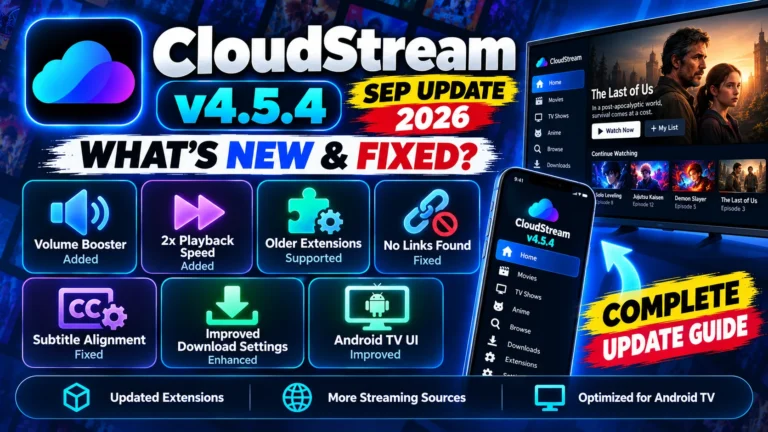
v4.5.4 | More external players, volume booster, download settings, 2x speed, subtitle alignment and grouping fixes, updated extractors and UI, extended support for outdated extensions |
| Latest stable | See the main guide for the current release and its changelog |
Staying on an old app is a common hidden cause of “No links found”, because extensions are built against newer app code. If that is your problem, read the “No links found” fixes.
How do you update or install CloudStream from v4.5.2?
Back up your data, download the newest stable APK from the official GitHub releases page, and install it over your current app. Then update your extensions and restart.
Back up your data
Go to Settings, Updates & Backup, tap Backup data and copy the file off the device. See the backup and restore guide.
Download the latest stable APK
Use the official CloudStream GitHub releases page. Avoid APK files from unknown mirrors.
Install over the old version
Open the APK and tap Install. A newer version installed over an older one normally keeps your settings and extensions.
Update your extensions
Open Settings, Extensions, update all plugins, then close and reopen CloudStream.
Need v4.5.2 specifically? Older releases stay on the GitHub releases page. Android normally refuses to install an older version over a newer one, so you would have to uninstall first, which removes your app data. Make and copy a backup before you do that.
CloudStream v4.5.2 FAQ
What is new in CloudStream v4.5.2?
The official April Update notes list MyDramaList support, subtitle grouping, episode sorting, MKV seeking, and fixes from several contributors.
Is v4.5.2 the latest CloudStream version?
No. Later releases, including v4.5.4 and newer, have been published. Check the official GitHub releases page for the current stable version.
Should I update from v4.5.2?
Yes, for most people. Newer releases add features and fixes and keep the app compatible with current extensions. Back up first.
Will updating delete my extensions and settings?
Installing a newer version over the old one normally keeps them. A backup is still recommended before any update.
Can I go back to v4.5.2 after updating?
Android usually blocks installing an older version over a newer one, so you would need to uninstall first, which removes app data. Back up before doing this.
Sources and how this guide is kept accurate
- CloudStream v4.5.2 (April Update) release notes on GitHub.
- CloudStream v4.5.4 (July Update) release notes on GitHub.
- CloudStream repository: source code and release history.
Only changes named in the official notes are described here. This page is updated when a new stable release changes the advice.
Want the current version? The main guide covers the latest release, install steps and repositories.
Read the main guide